Use the search box above your client list to find someone quickly.
Note: All clients, names, emails, appointments and other data shown in the screenshots are sample data we created for this guide. They are not real people or real records.
Steps
1. In the left sidebar, click Clients.
2. Click the search box above the list and start typing the client’s name, email or client ID. The list updates as you type. In the example, typing “oli” shows only Olivia Test.
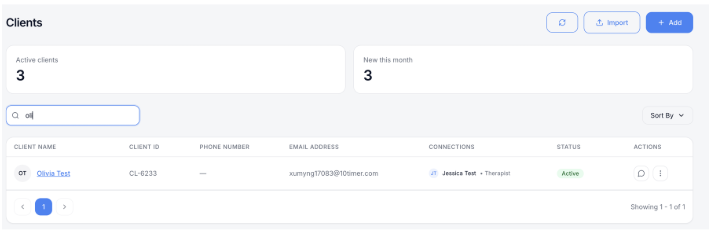
To change the order of the list, click Sort By on the right.
Was this article helpful?

